Brand
Brand Assets
Everything you need to represent clawy. Download logos, reference our colors, and understand our voice.
Download All Assets (.zip)Logo
The clawy wordmark is our primary logo. Use it on the brand background, or as standalone dark/light text.
Primary — Ozeanblau


Square — 1000 × 1000
Wide Variants






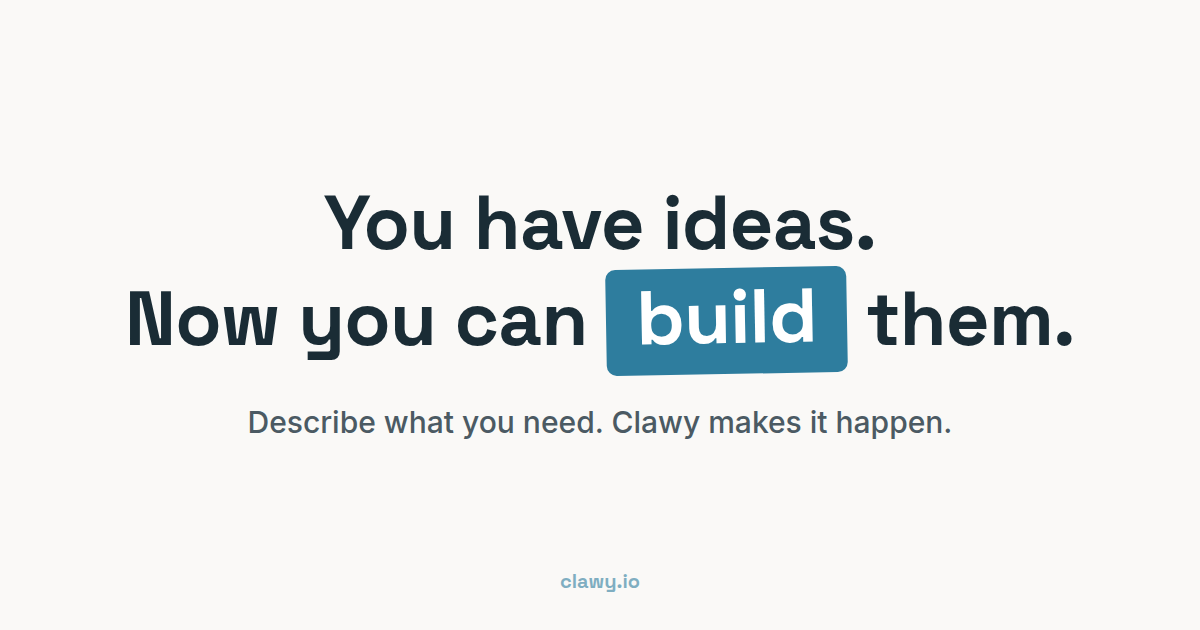
Open Graph Image
The default social preview image used when sharing clawy links on Twitter, LinkedIn, Slack, and other platforms. 1200 × 630px.
Color Palette
The clawy palette — coastal, warm, and professional.
Palette
Primary / Ozeanblau
#2e7d9e
Click to copy
Secondary / Hellblau
#6ba3b8
Click to copy
Dark Teal / Primary dark
#256b88
Click to copy
Accent / Warmer Sand
#d4a76a
Click to copy
Dark / Text
#1a2c35
Click to copy
Background / Warmweiß
#faf9f7
Click to copy
Border / Gedämpft
#e7eaeb
Click to copy
Text secondary
#5a6b73
Click to copy
Text alt
#6b7f83
Click to copy
Muted
#a1a1aa
Click to copy
Buttons
Four button variants for different contexts.
btn-pop — Primary CTA (Sand/Gold)
btn-cyan — Secondary CTA (Ozeanblau)
btn-white — Tertiary
btn-outline — Border variant
Highlight Box
The rotated, colored inline highlight used in hero headings.
Chat Bubbles
User and clawy message bubbles used in the hero demo.
clawy: background: #2e7d9e; color: #fff; border-bottom-left-radius: 6px;
Feature Blocks
Colored cards used for key feature highlights.
Just Talk
Describe what you need in plain language. clawy understands context, nuance, and business logic.
Instant Results
Working websites, apps, and tools — not mockups. Real products you can use immediately.
Iterate Fast
Change anything with a message. Your clawy learns and adapts to your style over time.
Typography
Two font families serve distinct purposes across the platform.
Space Grotesk
Display font · Weights: 400–700Used for headings, the brand name, and display text. Gives clawy its technical, space-age character.
The quick brown fox jumps over the lazy dog
ABCDEFGHIJKLMNOPQRSTUVWXYZ
abcdefghijklmnopqrstuvwxyz 0123456789
Inter
Body font · Weights: 400, 500, 600The workhorse. Used for body text, UI elements, buttons, and navigation. Optimized for screen readability.
Regular (400): The quick brown fox jumps over the lazy dog
Medium (500): The quick brown fox jumps over the lazy dog
Semibold (600): The quick brown fox jumps over the lazy dog
Tone of Voice
clawy speaks like a knowledgeable friend who happens to be great with technology. Technical but never intimidating.
Brand Personality
- ● Empowering — We make people feel capable, not dependent. clawy is a tool that amplifies what you can do.
- ● Technical but approachable — We know our stuff but explain it simply. No unnecessary jargon, no dumbing down.
- ● Friendly & playful — The playful personality sets the tone. We're serious about quality but don't take ourselves too seriously.
- ● Direct — Short sentences. Active voice. No filler words. Every word earns its place.
Messaging Pillars
- 1. Always on — Your AI assistant that never sleeps. Works around the clock so you don't have to.
- 2. Private & yours — Your own dedicated instance. Your data, your rules, your assistant.
- 3. Ready in seconds — From signup to working AI in under 60 seconds. No setup complexity.
- 4. Grows with you — Level up, unlock equipment, evolve. The more you use it, the more it becomes yours.
Do
- ✓ "Your AI assistant that never sleeps"
- ✓ "Ready in 60 seconds"
- ✓ "Build apps, automate tasks, get more done"
- ✓ Use active voice and short sentences
- ✓ Lead with the benefit, not the feature
Don't
- ✗ "Leverage AI-powered synergies to optimize workflows"
- ✗ Overpromise or use "revolutionary" / "game-changing"
- ✗ Use passive voice or corporate buzzwords
- ✗ Make AI sound scary or all-knowing
- ✗ Ignore the playful side of the brand
- ✗ Write walls of text where a sentence will do
Example Copy
Headlines
- "Your AI assistant that never sleeps"
- "Meet clawy. Always on. Always yours."
- "From idea to running app in 60 seconds"
CTAs
- "Get started" (primary)
- "Get started" (acquisition)
- "See it in action" (demo)
- "Launch your clawy" (activation)
Usage Guidelines
Follow these rules to keep the clawy brand consistent across all touchpoints.
Clear Space
Always maintain padding around the logo equal to at least 25% of the logo's total width.
Minimum Sizes
To preserve legibility, never render the logo smaller than these minimums.

32 × 32px
Digital minimum (favicon, small icons)
48 × 48px
Recommended minimum for UI and marketing
10mm
Print minimum
Logo Don'ts
See our mascot in action
View Animations Gallery